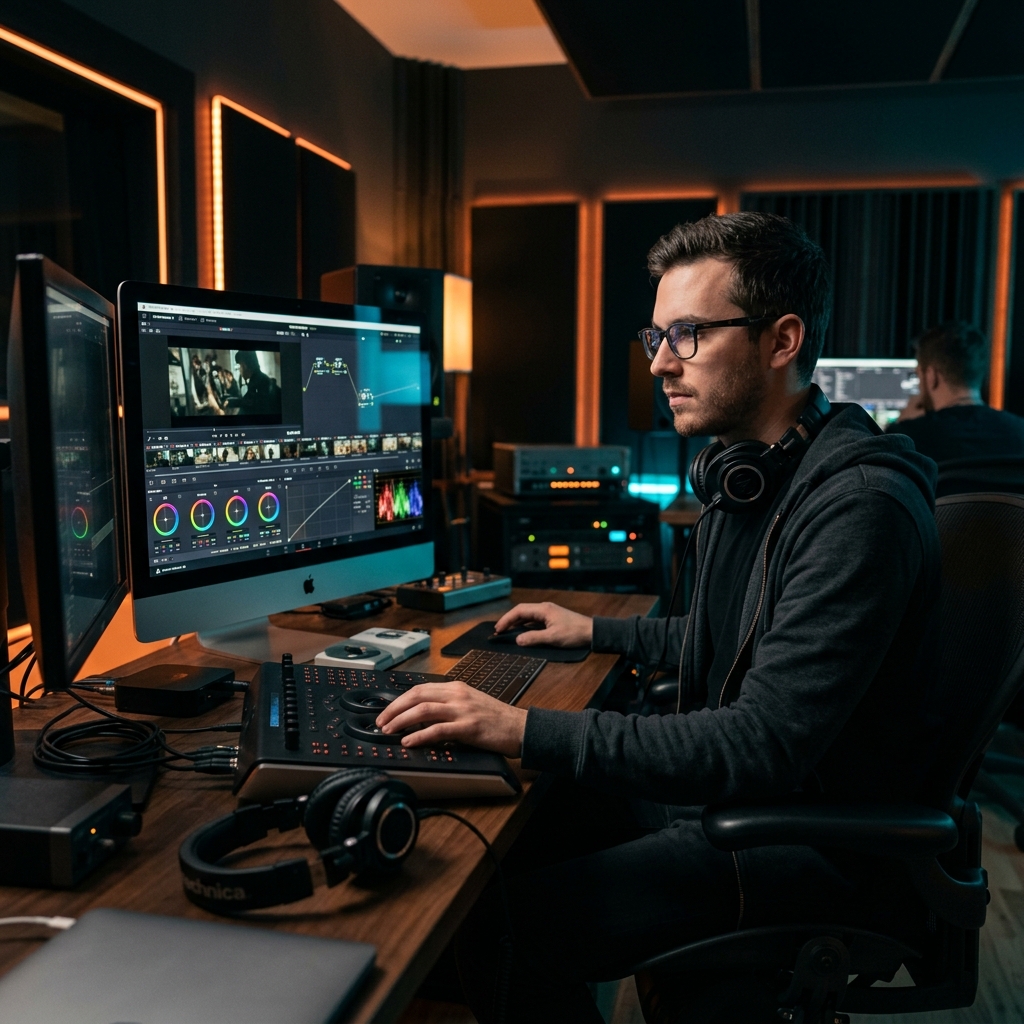
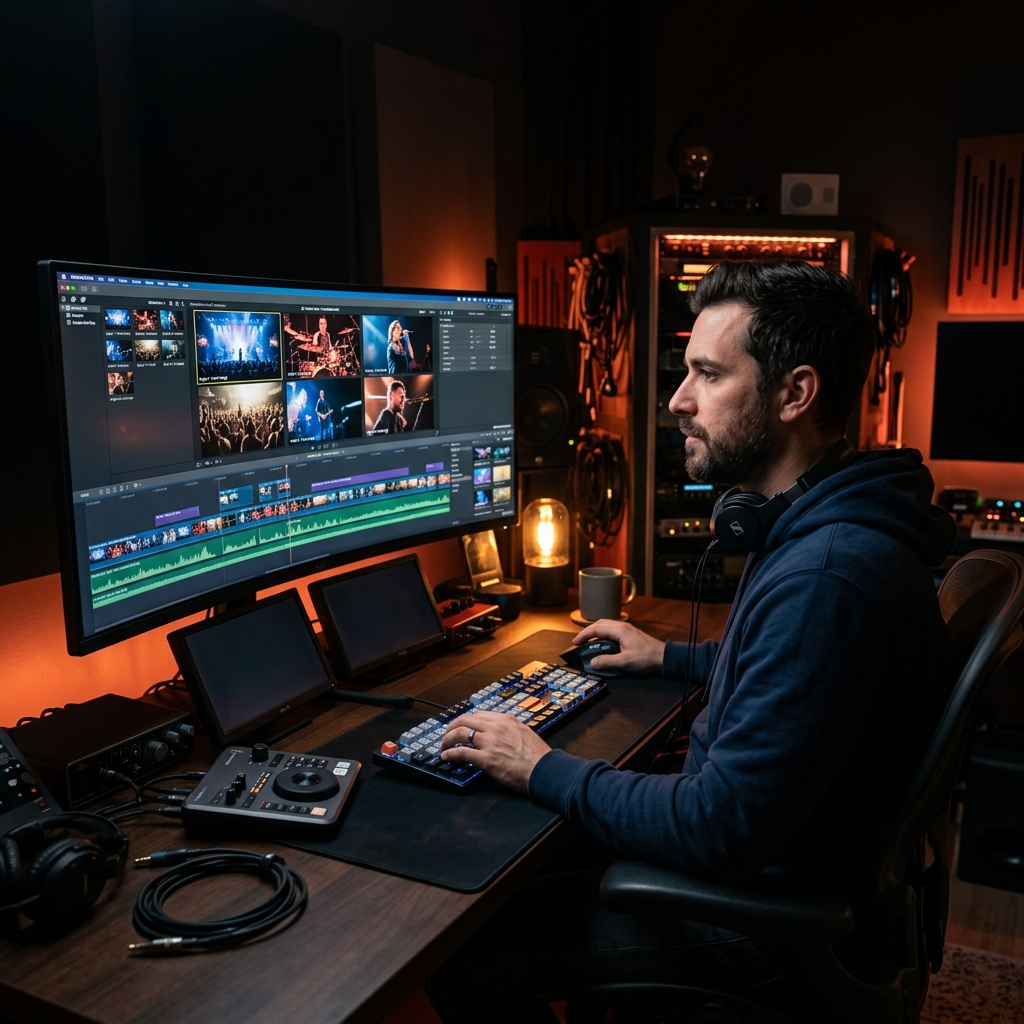
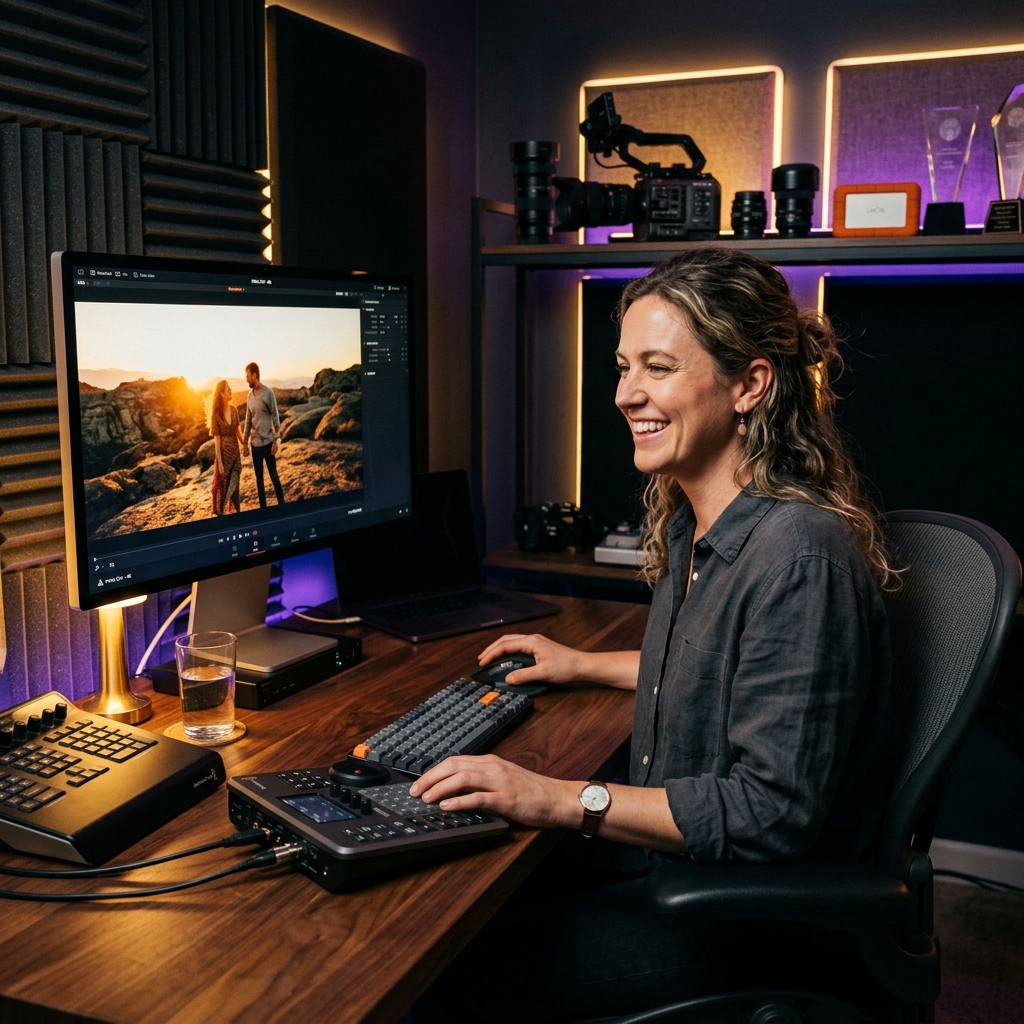
Stop spending hours organizing, filtering, and syncing raw footage. Let your Mac do the heavy lifting locally and export ready-to-cut timelines directly to FCPXML.
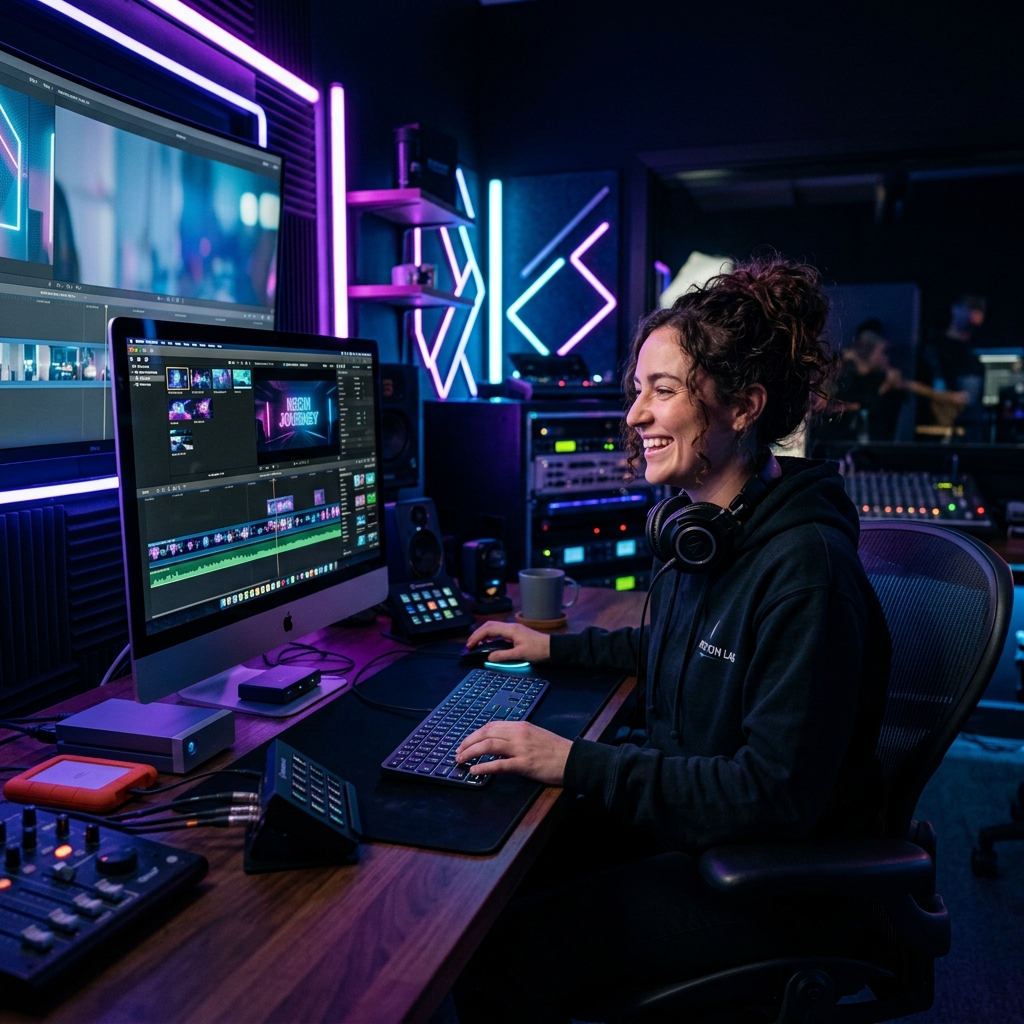
Explore all Walla Balla features across your favorite NLEs.
Don't waste time on file management. Walla Balla sorts all your raw assets by camera metadata, scene type, and duration. It separates B-roll from Multicam effortlessly.
Sync infinite camera angles and external audio recorders using advanced waveform cross-correlation natively on your Apple computer.
Feed Walla Balla your previous FCPXML projects. The AI learns your pacing conventions, transition styles, and shot-selection preferences, delivering a pre-cut timeline just for you.
Simply drag and drop all your footage and audio files from different cameras directly into Walla Balla. Don't worry about folders; the app organizes it.
Walla Balla automatically groups multicam setups, syncs audio, filters out blurry mistakes, and applies correct technical LUTs based on camera metadata.
Generate a production-ready FCPXML file that imports seamlessly into Final Cut Pro, DaVinci Resolve, or Adobe Premiere Pro. Start the creative part instantly.
Get full access to all professional features with a 7-day free trial.
Cancel anytime. 7-day free trial.